























































Others sell cheap. We deliver performance — $67 well spent.

Joyful IPTV — Ultra-Fast 4K Streaming & Live TV in the United States

Experience over 41,821 live TV channels and 179,000+ movies & series in stunning 4K and FHD quality. Zero buffering, 99.99% server uptime, and friendly support 16 hours daily.

Get Subscription Now
✓ 41,821+ Live Channels
✓ 179,000+ VOD Movies & Shows
✓ 4K / Ultra HD Quality
✓ Friendly support, day and night
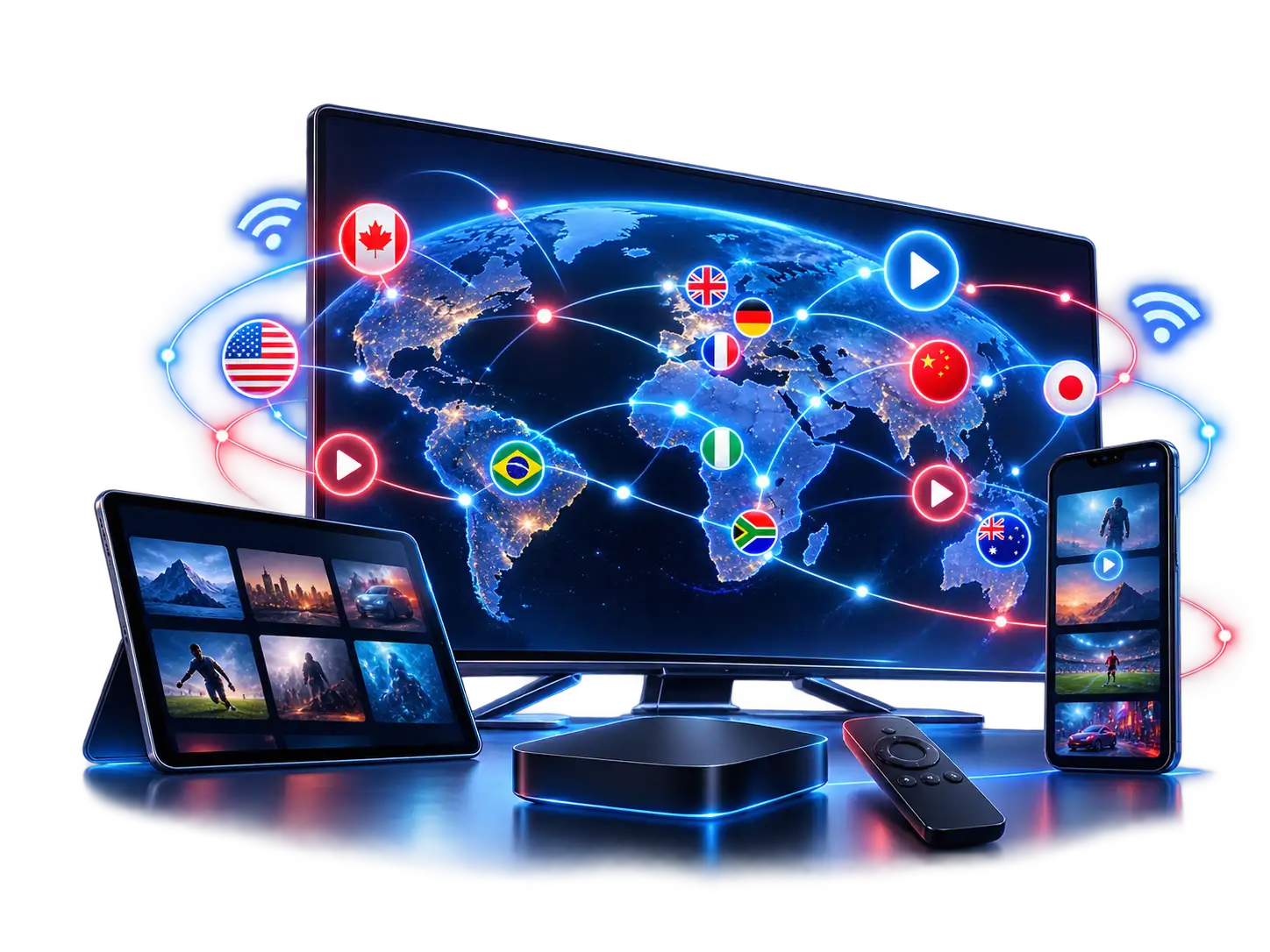
Joyful IPTV World Map Coverage showing live channel streaming across the United States and Europe
🎁 12 MONTHS + 1 MONTH FREE
Special Limited Time Promotion — Get 13 Months Access Total
01
Hours
59
Minutes
50
Seconds

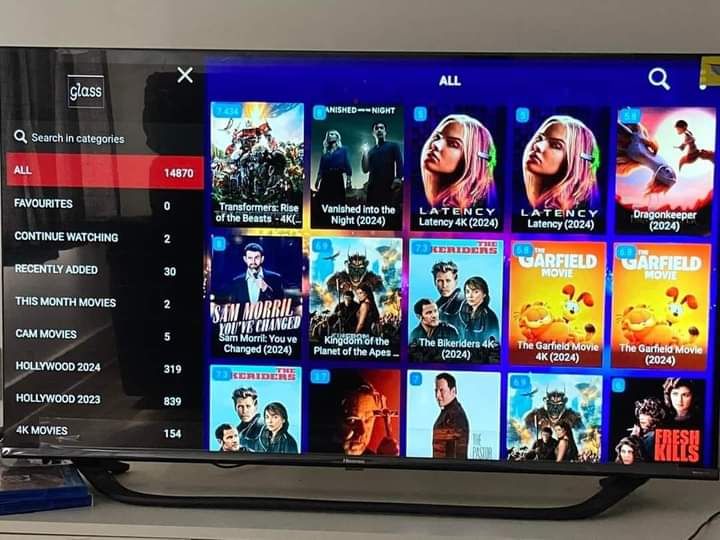
179,000+ Movies & Series On-Demand with Joyful IPTV

Enjoy the latest Hollywood blockbusters, trending TV series, and complete box sets in 4K with instant playback and multi-language subtitles.

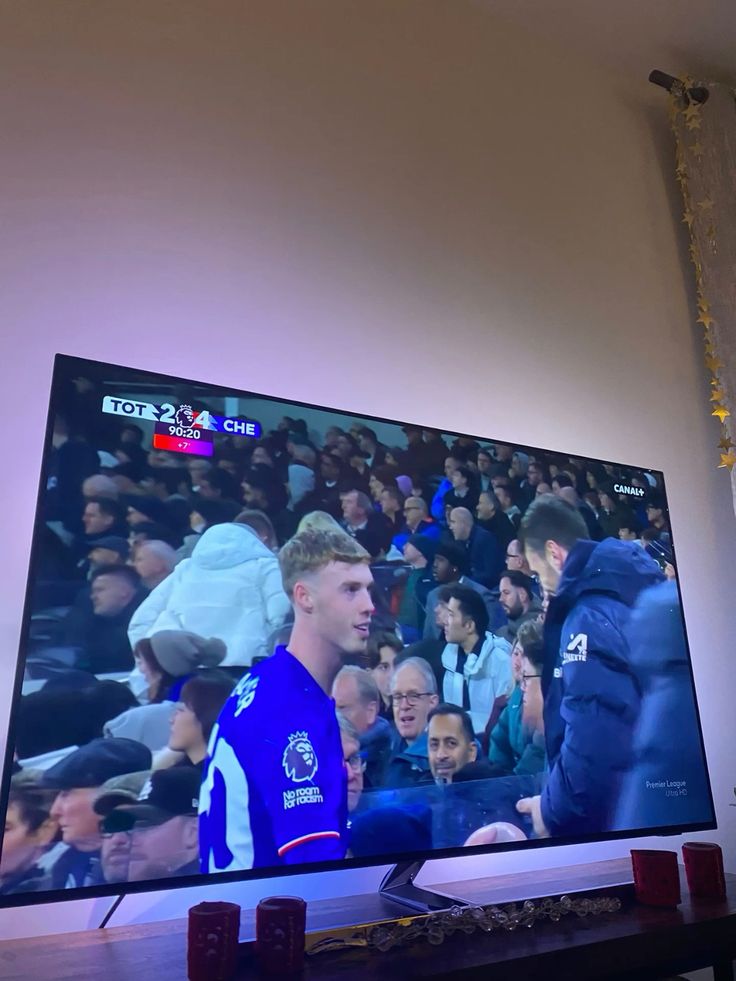
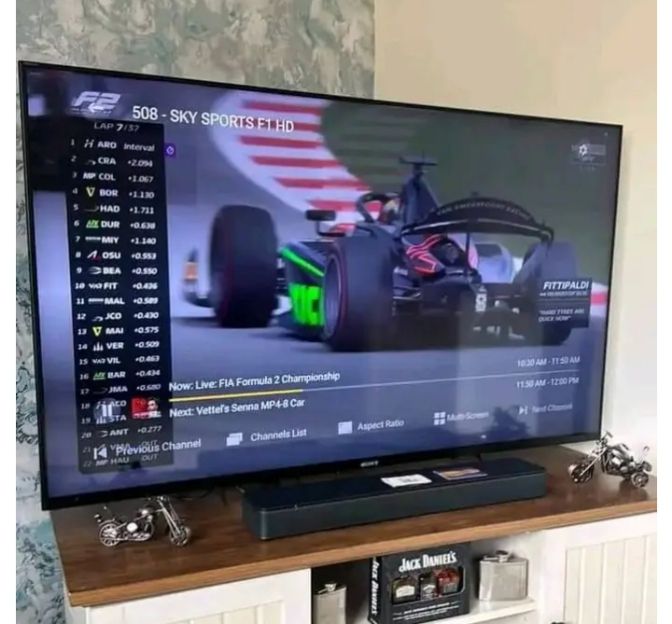
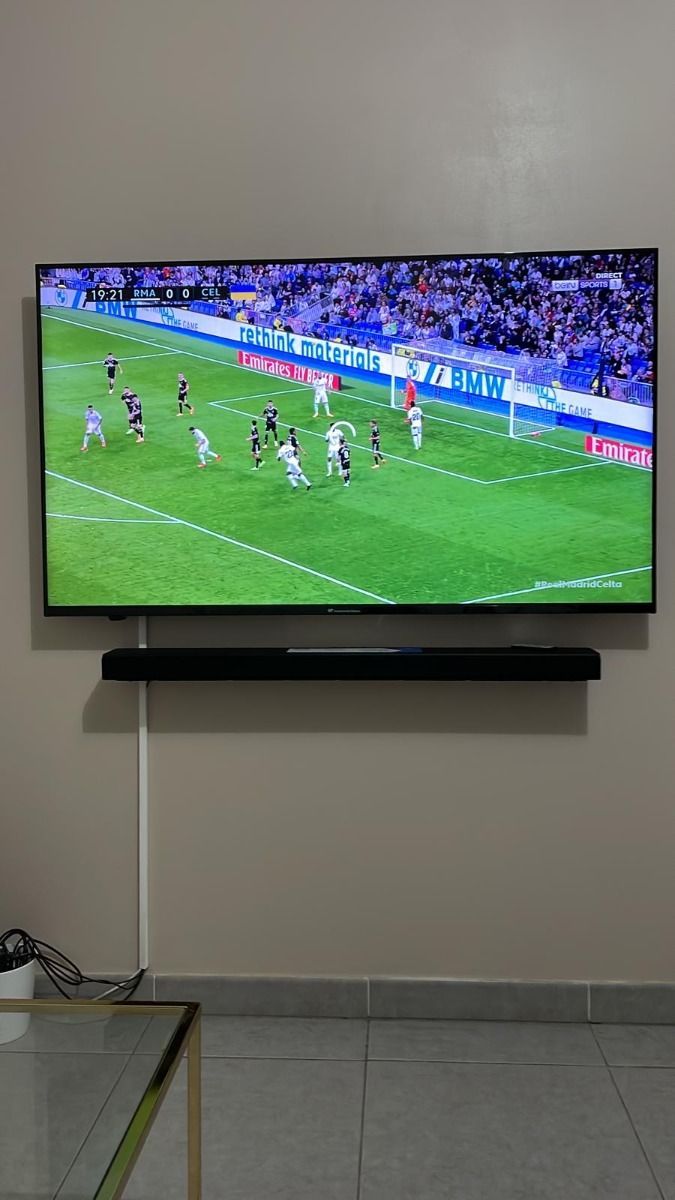
Live Sports Action — NFL, NBA, Premier League & Pay-Per-View

Never miss a single game. Stream Formula 1, UFC PPV events, Champions League, MLB, and NHL live in high frame rate 60FPS.

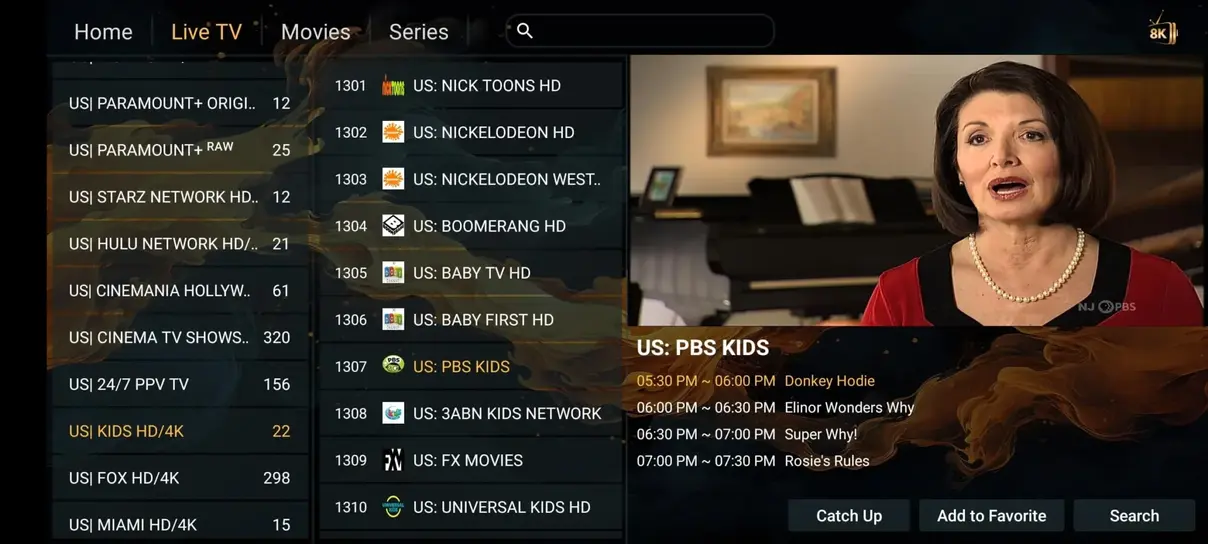
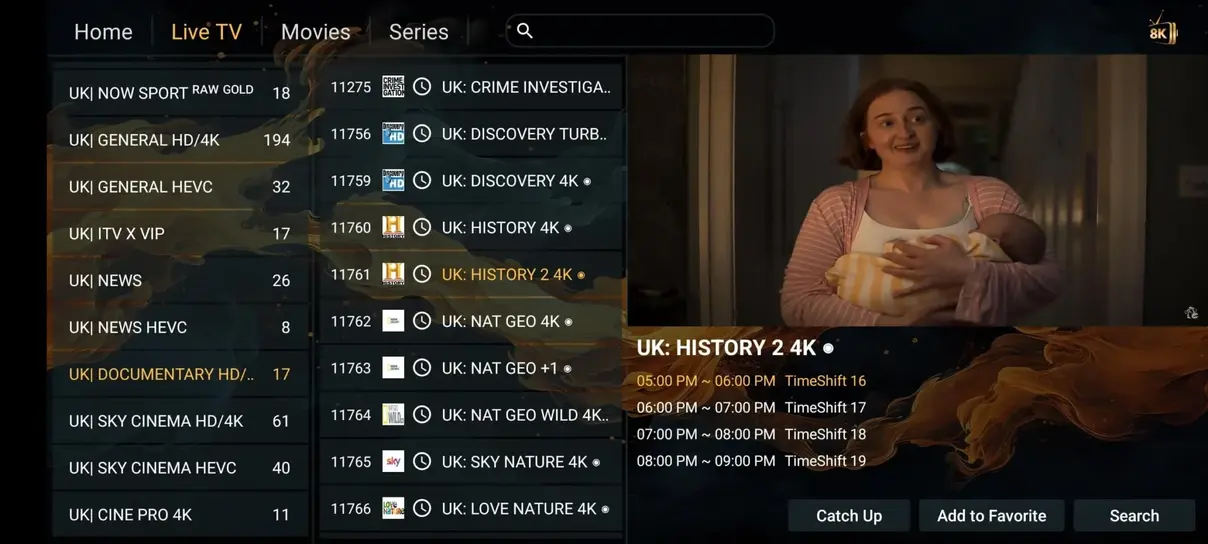
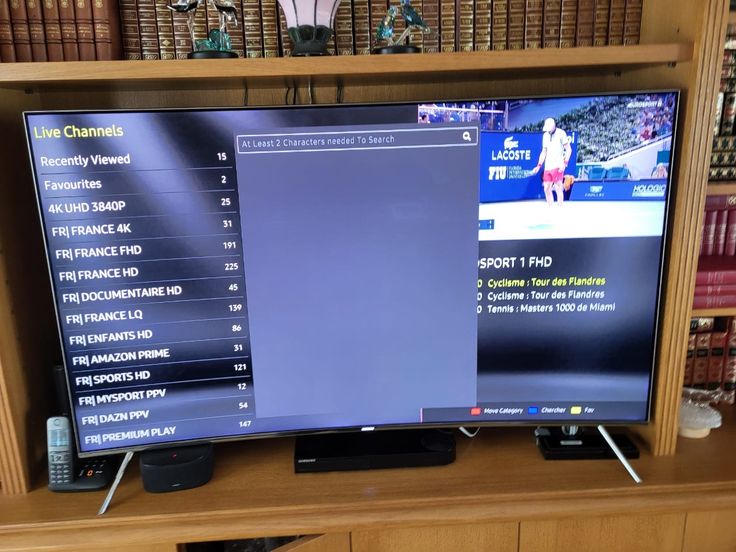
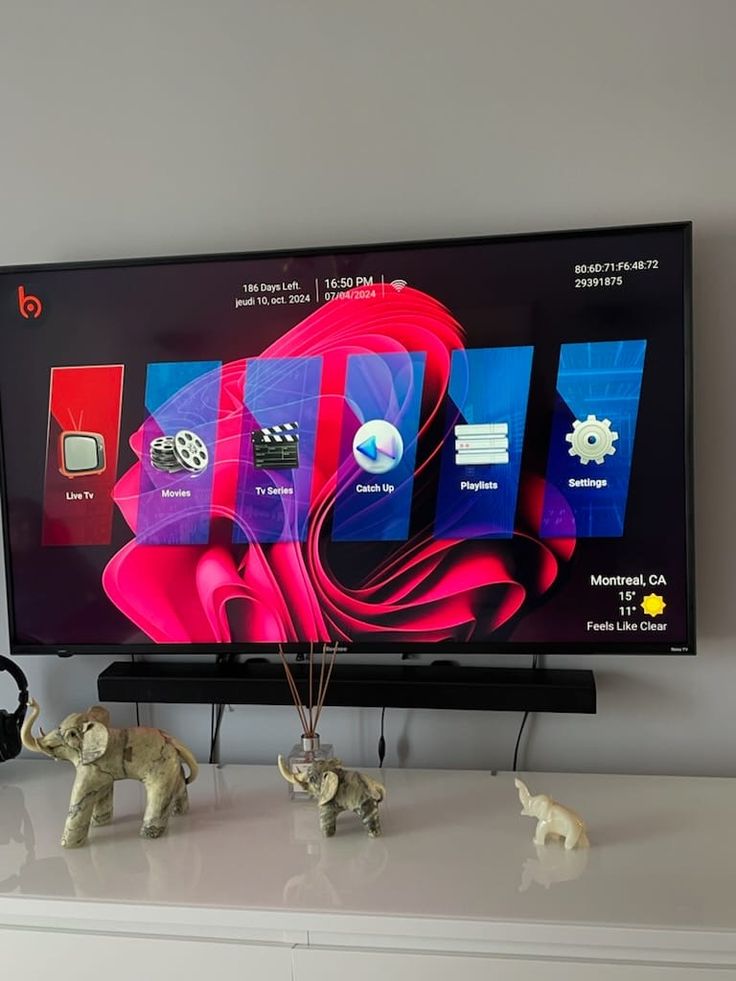
Streaming App Preview — Clean UI & Instant EPG Navigation

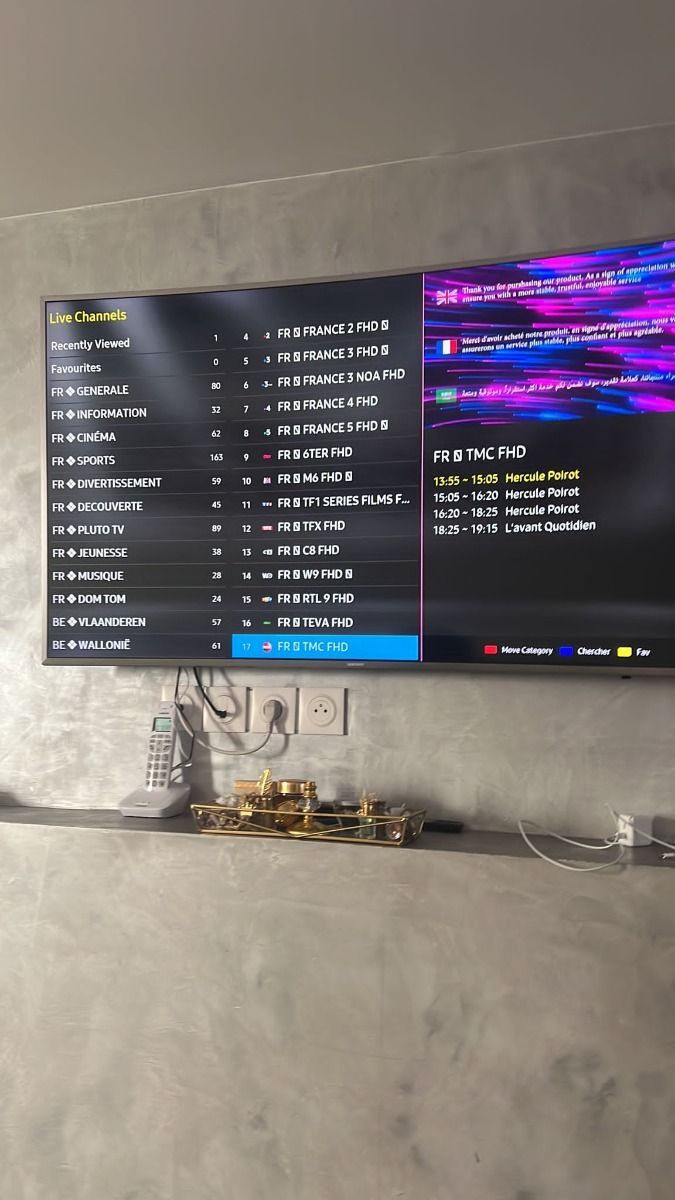
Take a look inside the HOT Player and Smart IPTV interface. Easily switch between channels, browse TV guides, and search movie categories.

How Joyful IPTV Compares with Traditional Cable & Satellite TV

See how joy iptv compares to expensive cable providers in the United States and save over $1,100 every year while gaining 100x more channels.

Feature Comparison Joyful IPTV ($67 for 13 months) Cable / Satellite ($1,200+/year)
Annual Cost joy iptv: $67.00 / year Cable/Satellite: $1,200+ / year
Live Channels joy iptv: 41,821+ Channels Cable/Satellite: 200–500 Channels
Movies & Series VOD joy iptv: 179,000+ Titles Included Cable/Satellite: Pay Extra ($15/mo each)
Adult Channels joy iptv: Included Free Cable/Satellite: Not Available or $20/mo
24/7 Channels joy iptv: 1,000+ Dedicated Channels Cable/Satellite: None
All Sports Included joy iptv: Included (NFL, NBA, F1, PPV) Cable/Satellite: Requires Sports Packages
No Long Contracts joy iptv: Yes (Cancel Anytime) Cable/Satellite: No (12-24 Month Lock-in)
Watch Anywhere joy iptv: Yes (TV, Phone, Tablet, Laptop) Cable/Satellite: Limited to Home Box

Flexible Subscription Packages & Pricing

Choose your preferred device count and currency below. Every plan includes full 4K access, 41,821+ live channels, VOD library, and support available 16 hours daily.

3 Months Plan

$30
$10.00/mo • $0.33/day

1 simultaneous device

SAVE $12 • 28%
Compared with renewing 1-month plan.
  • ✓ 35,000+ International Live TV Channels
  • ✓ 179,000+ Movies & Series On Demand
  • ✓ SD / HD / FHD / 4K / UHD Quality
  • ✓ Stable EU/US Servers with Anti-Buffer
  • ✓ Adult Channels Included
  • — Free month not included
Subscribe Now

6 Months Plan

$44
$7.33/mo • $0.24/day

1 simultaneous device

SAVE $40 • 48%
Compared with renewing 1-month plan.
  • ✓ 35,000+ International Live TV Channels
  • ✓ 179,000+ Movies & Series On Demand
  • ✓ SD / HD / FHD / 4K / UHD Quality
  • ✓ Stable EU/US Servers with Anti-Buffer
  • ✓ Adult Channels Included
  • — Free month not included
Subscribe Now

1 Month Subscription

Flexible Monthly Plan — No contract commitments.

1 simultaneous device

✓ Adult Channels Included · Free month not included

$14
$0.47/day

Enjoy Entertainment Everywhere with Multi-Screen

Watch simultaneously on multiple devices at home or on the go with dedicated 2, 3, or 4 screen connection plans.

2 Simultaneous Devices

Stream on 2 screens at once.

$122
$10.17/mo
Save $130 (52%)

✓ Adult Channels Included

✓ +1 Month FREE

Order 2 Screens

3 Simultaneous Devices

Stream on 3 screens at once.

$181
$15.08/mo
Save $191 (51%)

✓ Adult Channels Included

✓ +1 Month FREE

Order 3 Screens

4 Simultaneous Devices

Stream on 4 screens at once.

$238
$19.83/mo
Save $242 (50%)

✓ Adult Channels Included

✓ +1 Month FREE

Order 4 Screens
Accepted payment methods for Joyful IPTV including credit cards and secure online options

3-Step Quick Activation Process

Get up and running in under 5 minutes on any Smart TV or streaming device.

01

Install the App

Download and install the HOT Player, IPTV Smarters Pro, or TiviMate app on your TV or streaming stick.

02

Enter Access Details

Open the app and enter the credentials sent to your email or WhatsApp (M3U link, MAC address, or Xtream Codes).

03

Start Watching

Your channels and VOD library load instantly in 4K resolution. Sit back and enjoy seamless streaming.

Compatible with All Popular Streaming Devices

Joyful IPTV runs seamlessly across Smart TVs, Amazon Firesticks, Android boxes, iOS devices, and computers.

What Our Customers Say About Joyful IPTV

Thousands of customers across the United States and Europe rely on Joyful IPTV for live sports, movies, and premium international channels. Rated 4.9/5 stars based on 243 verified customer reviews.

⭐ 4.9 / 5 based on 243 verified reviews

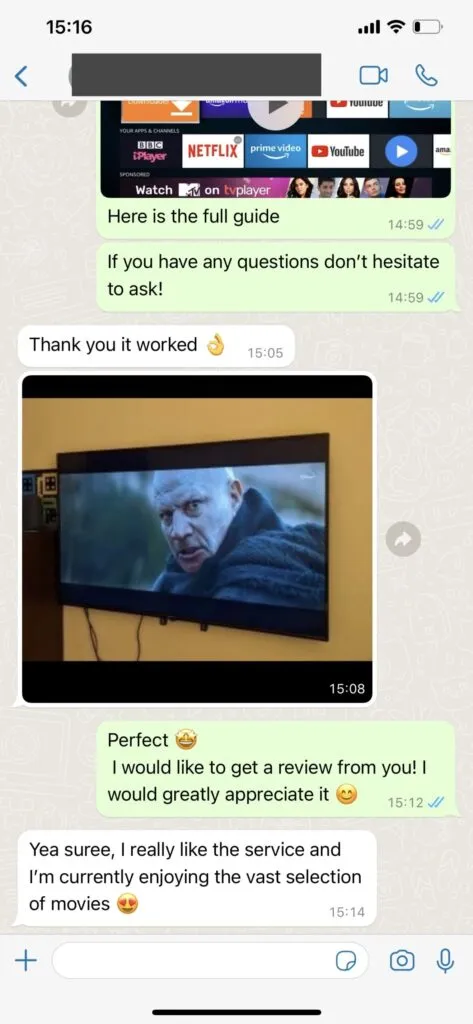
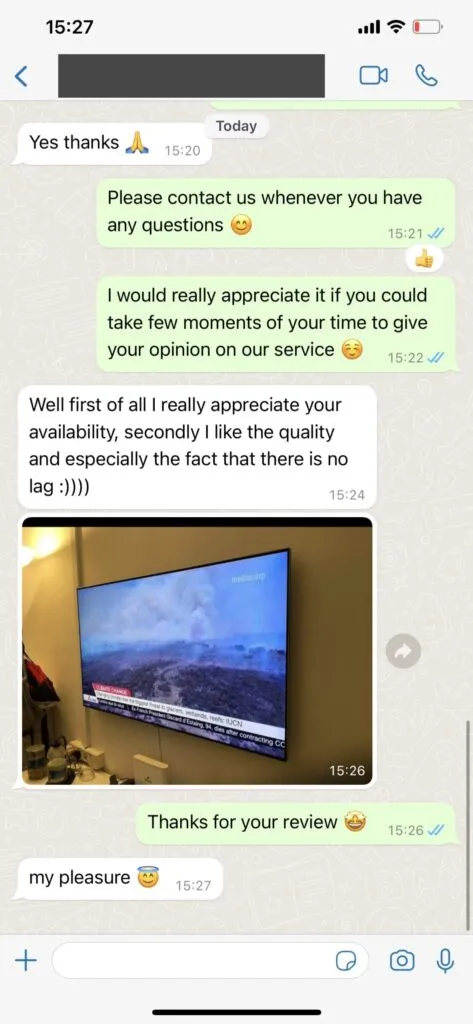
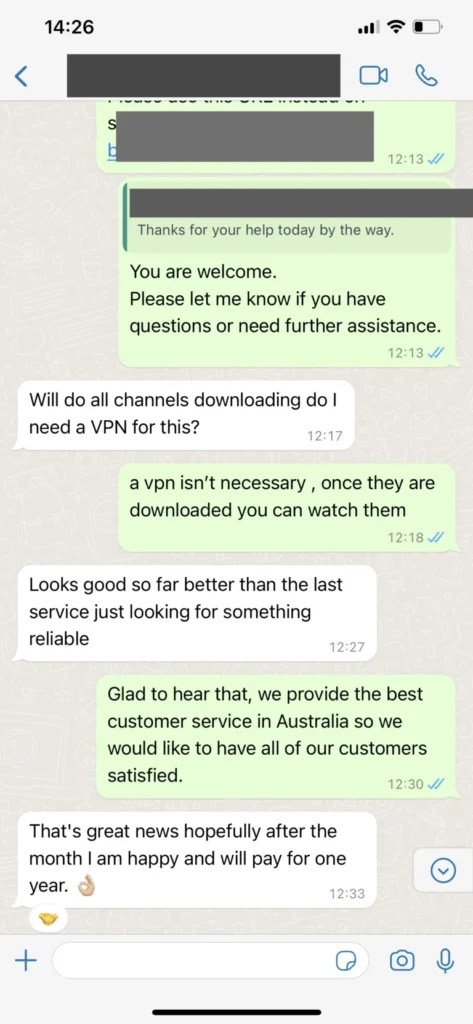
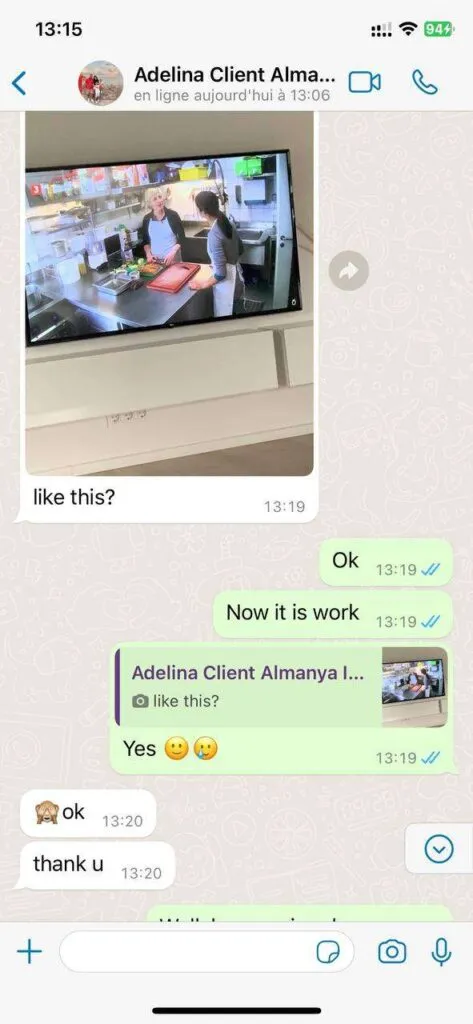
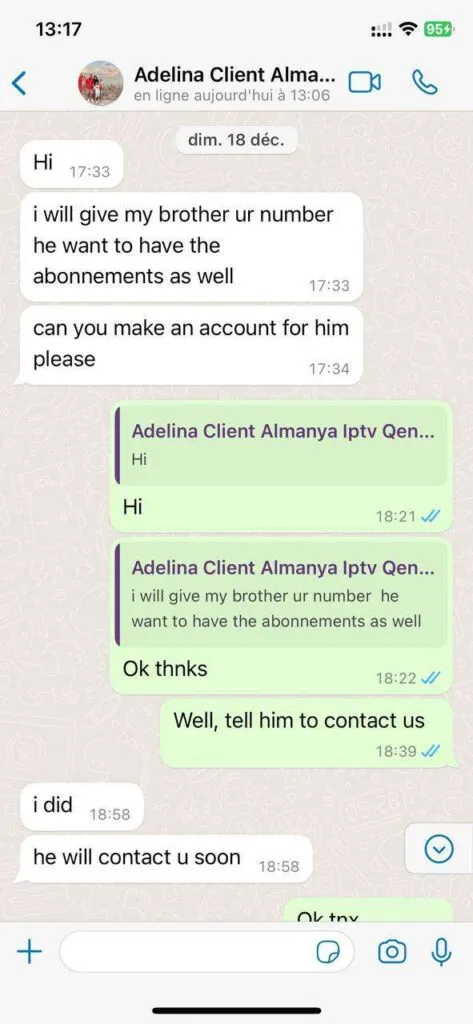
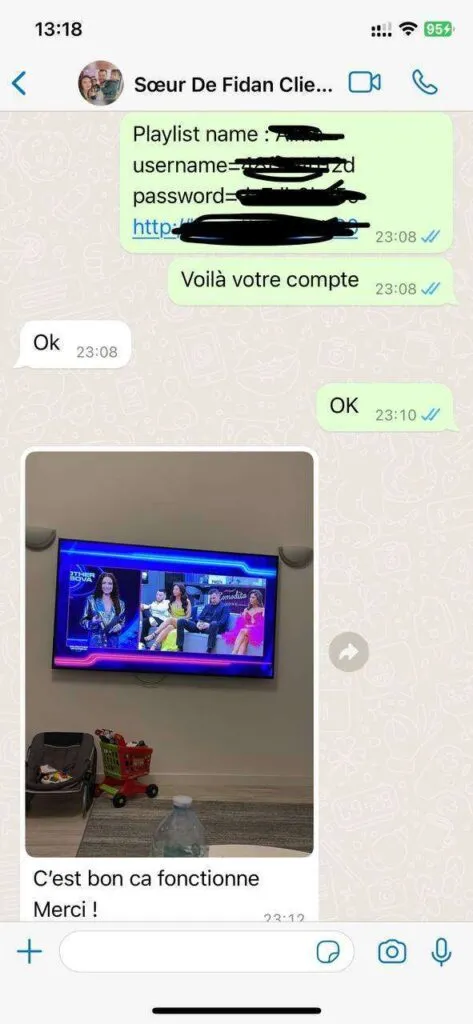
Real WhatsApp Customer Feedback

Check out actual messages from our happy subscribers receiving instant activation and friendly support on WhatsApp.

Comprehensive Joyful IPTV Features & Specifications

Everything you need for an ultimate home streaming experience in one package.

📺 41,821+ Live Channels

Access sports, news, entertainment, and local networks from US, UK, Canada, Europe, and worldwide.

🎬 179,000+ VOD Movies

Regularly updated on-demand library with multi-language audio tracks and subtitles.

⚡ Anti-Buffer EU/US Servers

Dedicated high-bandwidth load balancers ensure smooth 60fps streaming without stutter.

💬 16/7 Friendly Support

Friendly WhatsApp support team standing by day and night to help you activate or troubleshoot.

Choose a Viewing Setup That Fits Your Household

A good IPTV setup begins with the screens people actually use. A living-room television may be the main viewing point, while a tablet or phone is useful when someone else chooses a different program. Count simultaneous viewers before selecting a plan: installing an app on several devices is different from watching several streams at the same time. The pricing selector shows the connection count for each option, so a household can compare the total cost against the number of screens it needs. If two people often watch separate events at once, a single connection can become a practical limitation even if both devices are compatible.

Match Your Internet Connection to the Picture Quality

Streaming quality depends on the complete path from the internet connection to the player, rather than the resolution printed on a television box. Check the speed at the device during the hours when you normally watch. A 4K television does not turn an HD source into native 4K, and a 4K source still needs enough stable bandwidth to arrive without interruption. The FAQ gives starting speed recommendations; a wired Ethernet connection can provide more consistent results for a stationary television. If wiring is inconvenient, place a 5 GHz Wi-Fi access point where the television receives a strong signal and avoid congested wireless channels.

Plan for Live Sports and On-Demand Viewing

Live sports and on-demand films create different viewing habits. For live events, look up the start time, channel, and any regional coverage details before the event begins. Open the player early enough to check playback and switch to another available quality level if the device or connection struggles. With an on-demand title, confirm that the particular film, episode, language, and subtitle track you want are present. Catalogs and rights can change, so a broad library count should never substitute for checking a specific program. Our channels and VOD guides explain how to browse these categories and what details are useful when asking support about availability.

Use a Player You Understand

An IPTV subscription and a player application serve different roles. The player presents channels, search, categories, and the program guide; the service supplies the account or playlist details used by that player. Interface labels and installation steps vary across Fire TV, Android TV, Smart TV, iOS, and desktop systems. Before changing several settings at once, make sure the application is supported on your device, install it from an appropriate source, and enter the supplied account details carefully. The installation and app guides include platform-specific steps and common points where a typo or expired app license can interrupt setup.

Compare Duration and Total Cost

Monthly equivalent amounts are helpful for comparing durations, but the checkout total is the amount paid for the selected term. A longer subscription commits more money up front. Review both numbers, then decide whether flexibility or a lower average monthly cost matters more to you. The twelve-month offer includes one additional month according to the current plan terms; shorter terms do not include that bonus. Currency selection changes the displayed fixed price for the selected term and connection count. It does not rely on a live exchange rate at checkout, so check the chosen currency before contacting support to arrange an order.

Know Where to Get Help

If setup fails, write down the device model, player name, exact error, affected channel or title, and approximate time. These details distinguish account, application, and network problems more quickly than a report that playback simply stopped. Try another channel and, if available, another network before resetting the player. Keep account credentials private and share them only through a direct support conversation. The troubleshooting guide offers a step-by-step path for buffering, missing guide data, login errors, and picture problems; the contact page shows the support channels and stated service hours.

Frequently Asked Questions about Joyful IPTV

Got questions? We have answers. Find everything you need to know about our service, compatibility, and payment process.

The site lists WhatsApp support for 16 hours daily. Describe your device, player, and question in your first message so the team can investigate. Confirm language availability and the current response window directly with support.

Select a duration, connection count, and currency, then use the purchase button to open WhatsApp. Confirm the total, payment method, activation process, and applicable terms in that private conversation before paying.

The service works on virtually any device, including Smart TVs (Samsung, LG, Sony, Vizio), streaming devices (Amazon Fire Stick, Nvidia Shield, Chromecast), Android TV boxes, smartphones, tablets, and computers. You can use our recommended HOT Player app or any player of your choice.

Joyful IPTV provides over 41,821 live channels from across the United States, UK, Canada, Germany, France, Spain, Italy, and Scandinavia. It also includes 142,754+ movies, 34,260+ series on demand, and 1,000+ 24/7 non-stop theme channels.

For HD streaming: A minimum of 10 Mbps is required. For 4K streaming: A minimum of 25 Mbps is recommended. A wired Ethernet connection or high-speed 5GHz Wi-Fi is recommended for the best performance on your TV.

A VPN is not part of the normal setup. It is an optional privacy tool that can affect speed and app compatibility. Test the ordinary connection first and read the VPN guide for practical tradeoffs.

Travel viewing depends on the destination network, device, and regional content availability. Confirm a specific location or must-have channel with support before relying on it away from home.