
Our Commitment to Customer Satisfaction & Rating Verification
The testimonials above describe individual viewing experiences. A review can show what someone valued, but it cannot establish that a specific channel, picture quality, or setup speed will be identical on every device and network. Read comments alongside the plan details, device guidance, and current terms. The underlying review collection and verification records are not exposed in the project files, so the displayed rating and count require business evidence to substantiate.
Key Subscriber Benchmarks & Satisfaction Highlights
- Device and player: A review is easier to apply to your situation when it names the hardware and app used.
- Connection context: Wired, Wi-Fi, and mobile networks can produce different results.
- Content details: A named channel, event, or title is more useful than a broad catalog claim.
- Time and duration: The date and length of use help readers judge whether an observation is current.
Look for the Device and Player
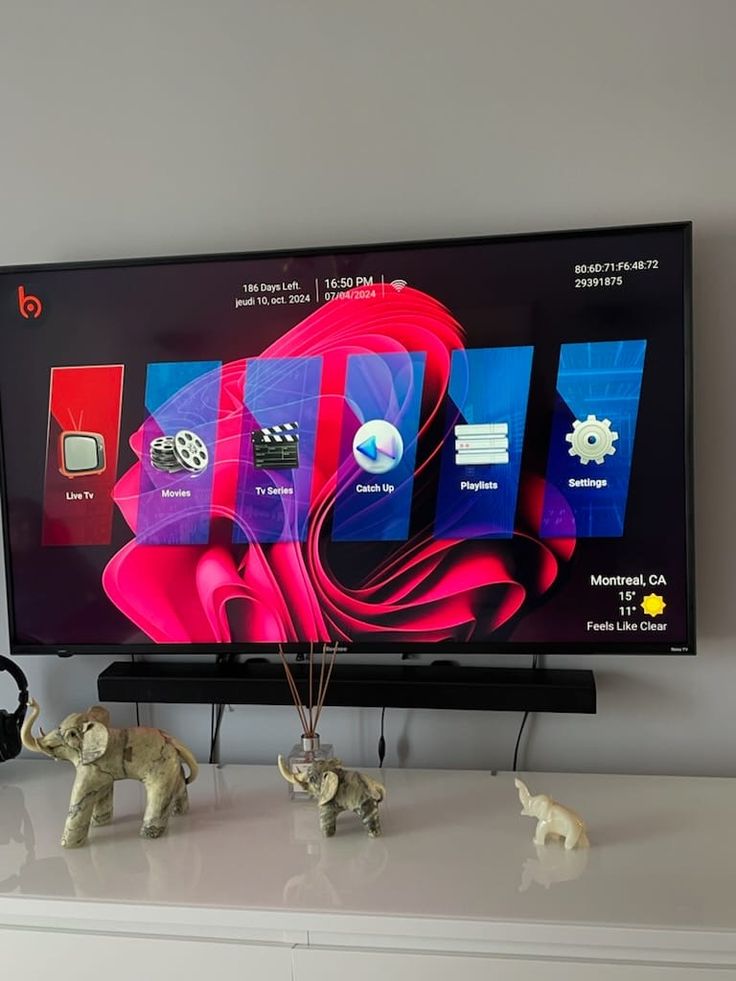
A comment about a Fire TV device may not describe the interface on a Samsung Smart TV, an iPad, or a dedicated receiver. The player matters too: one app can offer an easy guide and favorites, while another may use a different login format or have a separate license fee. When a testimonial praises simple setup, identify the steps that apply to your own device. Our installation and app guides cover the common device families. If the review does not name the hardware or player, treat it as a general impression rather than a setup instruction.
Separate Source Quality from Screen Quality
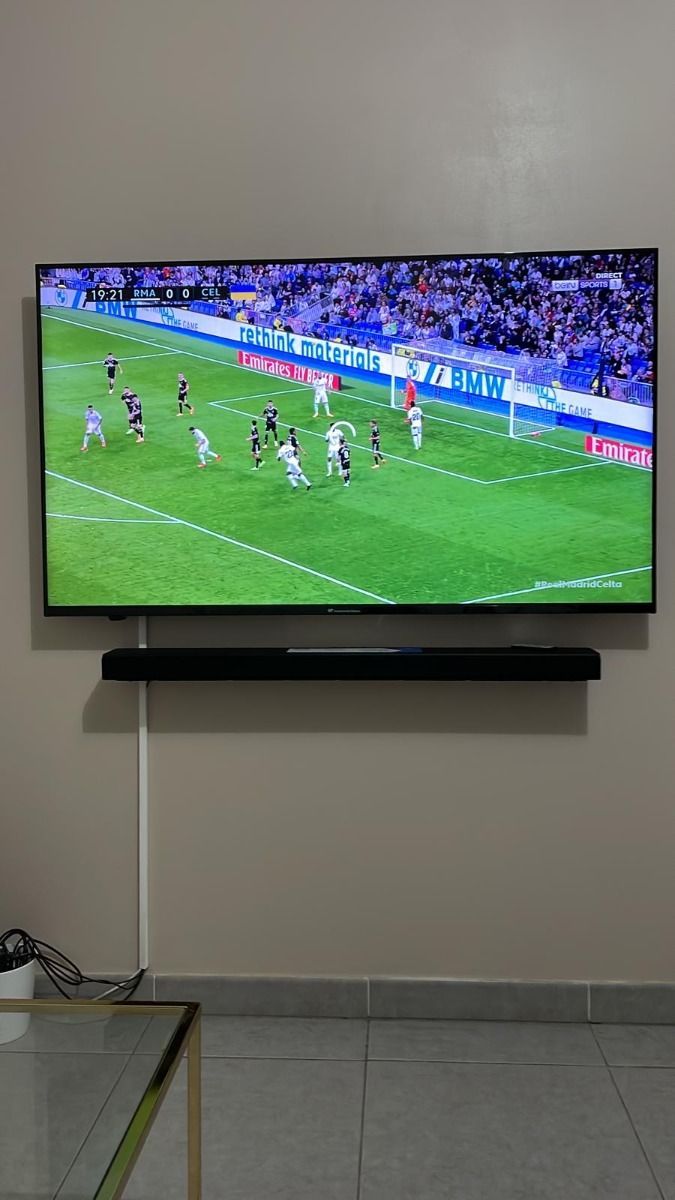
Customers often describe a picture as clear, sharp, or 4K. Those words do not tell you the native resolution of every channel. A television can upscale lower-resolution video, and a player may choose a different source based on network conditions. If picture quality is a deciding factor, ask about the exact channel or title and test it on your planned device. Check whether the player offers a technical information overlay. A review of one sports feed or film is a useful lead, not a guarantee for the entire catalog.
Consider the Internet Connection
A smooth experience on a wired television does not prove that the same stream will behave equally well over crowded Wi-Fi or mobile data. A useful review gives some context about the network and the time of viewing. For your own household, test speed at the device during normal viewing hours and compare a wired connection when possible. If a testimonial mentions buffering or the absence of it, remember that source, player, local network, and internet route all contribute. The troubleshooting guide explains how to test these parts in a controlled order.
Check the Date and Current Catalog
Channel lists, film catalogs, player interfaces, and device software change over time. A review written during one sports season may refer to a schedule or feed that is different today. Look at the date and ask whether the specific feature still applies. For an event, give support the league and upcoming match date. For a movie or series, include the title, release year, season, and language. This is especially important if a particular item is your reason for choosing a subscription.
Understand Ratings as a Summary
A star score compresses several different concerns into one number. One person may care most about live sports, another about subtitles, and another about the ease of renewing a plan. Read the text to understand which concern a rating reflects. A strong average does not remove the need to check compatibility or current terms. A business should be able to show how it collected and verified its review total before presenting that number as fact. Ask for that evidence if it is important to your decision.
Read Support Comments with Context
Support experiences can differ by the question asked and the information supplied. A setup request with a device model, app name, and exact error is easier to answer than a message saying only that the television does not work. If a review highlights quick help, do not assume a fixed response time for every hour and issue. The contact page gives the stated support channels and service window. Prepare a concise description of your own issue, and keep login details private in any support conversation.
Compare Multi-Screen Needs
Some testimonials mention switching between devices. Switching sequentially is different from running multiple streams at once. The subscription connection count limits concurrent playback. A person who watches on the television in the evening and on a phone during travel may use a different plan from a family that streams two separate programs every night. Count your simultaneous viewers before selecting a package. The pricing page shows one-, two-, three-, and four-connection totals for each term and currency.
Look Beyond Headline Channel Numbers
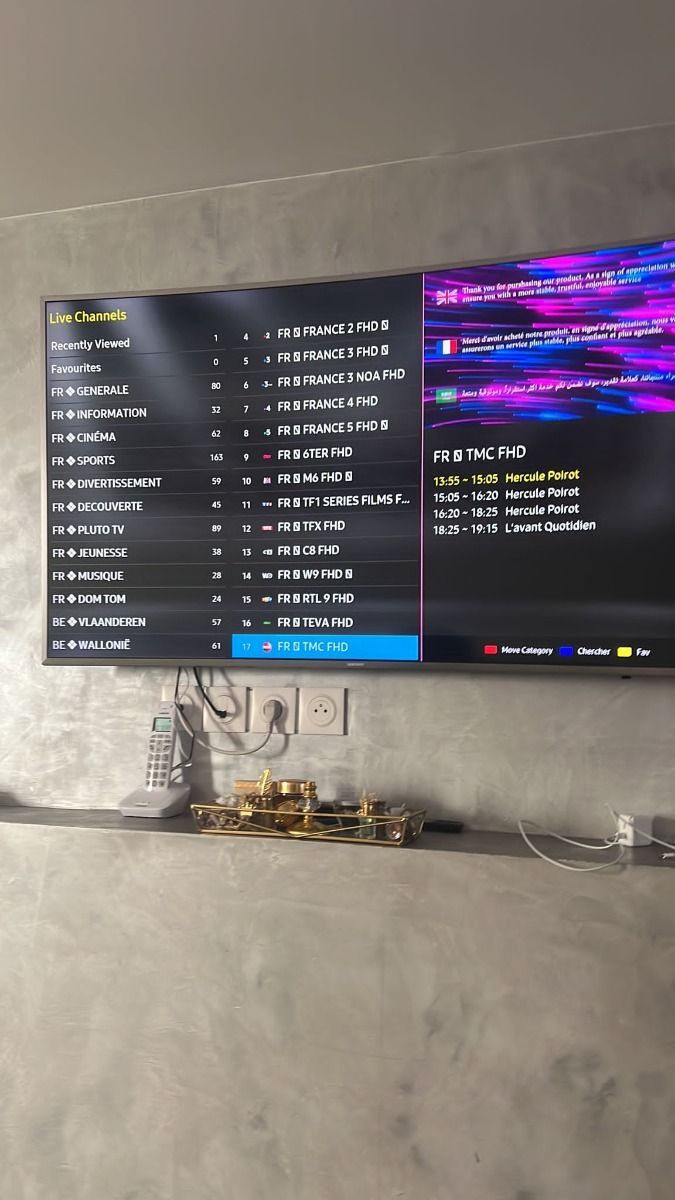
A broad catalog can appeal to viewers with varied tastes, yet most households depend on a short list of channels. A testimonial about many available stations does not prove that your local affiliate, regional sports feed, or preferred international station is included. Make a list of must-have channels and ask about each one. For on-demand content, check the exact title and language rather than relying on a total count. The channels and VOD guides explain how to browse categories and interpret availability claims.
Understand Player Costs and Licenses
A review may praise an app without mentioning that the app developer charges separately. IPTV service access and player software are different purchases. Check the app-store listing, trial conditions, and supported login formats before treating a review as a recommendation for your setup. A player that is comfortable on a television remote may be less convenient on a phone, or vice versa. The apps guide discusses those differences so you can separate a service review from an opinion about a third-party interface.
Check Captions, Audio, and Accessibility
Audio languages and subtitles may vary by title and player. A customer who found subtitles on one series may not have checked a different season or film. If captions, audio description, a specific dub, larger text, or a simple remote layout are essential, test those requirements on the exact content and device you will use. Ask support about named titles rather than broad accessibility promises. Also verify parental controls if adult categories should be hidden on a shared screen.
Reviews and the Refund Policy
Someone else's positive outcome does not replace the written terms that apply to your purchase. Read the refund policy and terms linked in the footer before paying. Check the selected duration, currency, full amount, connection count, and any bonus period. The extra month described on this site applies to the twelve-month term. Keep the activation date and payment confirmation. If an advertised detail differs from what support offers, clarify it before checkout rather than relying on a testimonial as a contract.
What Would Make a Review More Useful?
A practical review can name the device and player, the type of content watched, the connection used, the time period, and any limitation encountered. It should avoid sharing account credentials or private contact details. Specific observations help future viewers decide whether an experience resembles their own needs. General praise can still be sincere, but it provides less guidance for compatibility or content availability. If you share feedback, describe what you tested and distinguish a single event from a repeated pattern.
Make Your Own Short Checklist
After reading the testimonials, write down the few things that would determine whether the service suits you: perhaps a named channel, a particular app, two simultaneous screens, English subtitles, or a stable connection during live sports. Use the detailed guides to answer what you can independently. Ask support about the remaining service-specific questions and confirm the selected plan's total. This approach keeps reviews in their proper role as customer perspectives while giving you a concrete way to evaluate your own purchase.
How Review Verification Should Work
A meaningful verification label should connect a comment to a real purchase or active account while protecting the customer's identity. It should also record when the review was submitted and whether the text was edited. A display name and five stars alone do not establish that process. The source files available for this site contain the displayed testimonials but no review database, transaction link, or moderation history. Until business records are supplied, readers cannot independently confirm the count or the verification badges. Treat the visible comments as perspectives to investigate, especially when a decision depends on a particular feature claim.
Why Negative Details Can Help
A useful review does not have to describe a flawless experience. A specific problem and its resolution can reveal whether an app, device, network, or service source was involved. For example, a report that one channel failed while others worked is different from a report that every stream buffered over weak Wi-Fi. The explanation helps a future viewer ask better questions and gives support a reproducible case. Broad claims such as "never buffers" or "works everywhere" are harder to evaluate because no service controls every internet connection and device.
Comparing Reviews Across Time
Read several comments from different dates rather than relying on the newest or most enthusiastic one. App versions, television software, internet providers, and channel schedules change. A repeated observation over months can be more informative than a single great evening, although it still may not apply to your setup. Pay attention to whether reviewers discuss live TV, VOD, setup, or support; these are separate aspects of the experience. If a feature mentioned in an older comment is essential to you, confirm its current status before paying.
Sharing Your Own Feedback Safely
If you decide to describe your experience, include the device and general player type, the category of content, and the period you tested. State whether an issue happened once or repeatedly and whether support resolved it. Avoid posting account URLs, usernames, passwords, receipts, private phone numbers, or screenshots showing them. If you received an incentive for a review, disclose it so readers can interpret the comment fairly. Specific, safe feedback is more useful to other viewers than an unsupported superlative or a copied marketing claim.
Join Thousands of Happy Subscribers Today
Ready to upgrade your entertainment system? Explore our flexible packages and claim your 12 Months + 1 FREE bonus month today.