
























































Choose a Viewing Setup That Fits Your Household
A good IPTV setup begins with the screens people actually use. A living-room television may be the main viewing point, while a tablet or phone is useful when someone else chooses a different program. Count simultaneous viewers before selecting a plan: installing an app on several devices is different from watching several streams at the same time. The pricing selector shows the connection count for each option, so a household can compare the total cost against the number of screens it needs. If two people often watch separate events at once, a single connection can become a practical limitation even if both devices are compatible.
Match Your Internet Connection to the Picture Quality
Streaming quality depends on the complete path from the internet connection to the player, rather than the resolution printed on a television box. Check the speed at the device during the hours when you normally watch. A 4K television does not turn an HD source into native 4K, and a 4K source still needs enough stable bandwidth to arrive without interruption. The FAQ gives starting speed recommendations; a wired Ethernet connection can provide more consistent results for a stationary television. If wiring is inconvenient, place a 5 GHz Wi-Fi access point where the television receives a strong signal and avoid congested wireless channels.
Plan for Live Sports and On-Demand Viewing
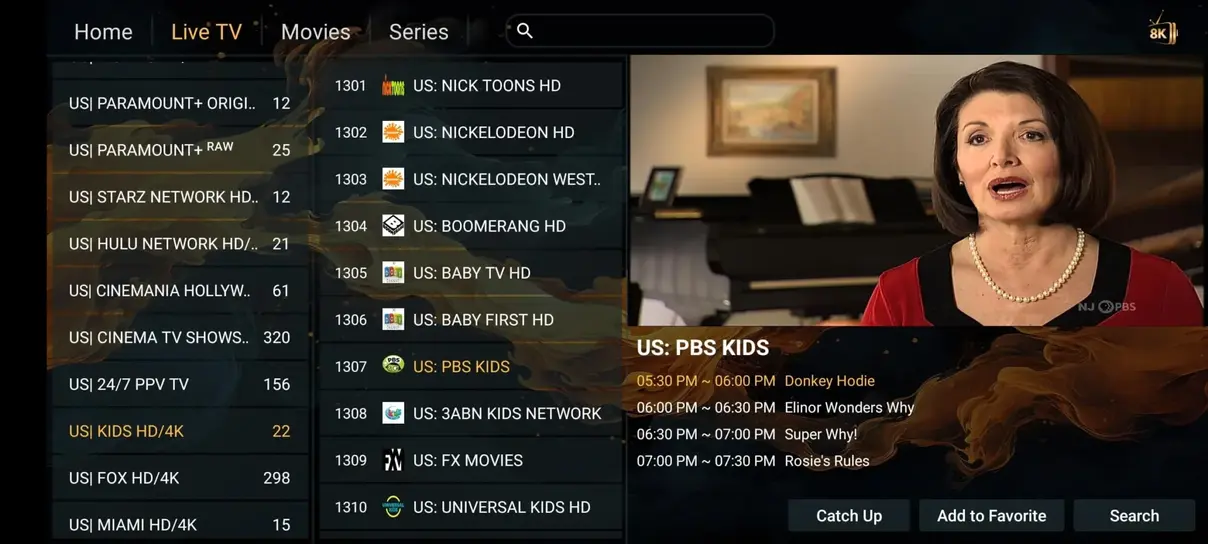
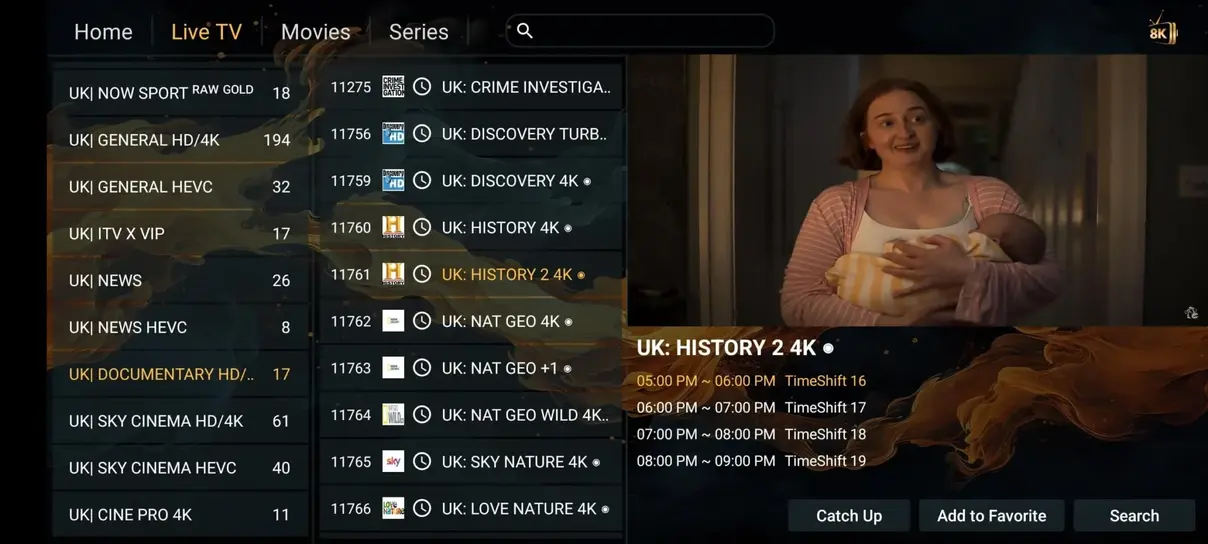
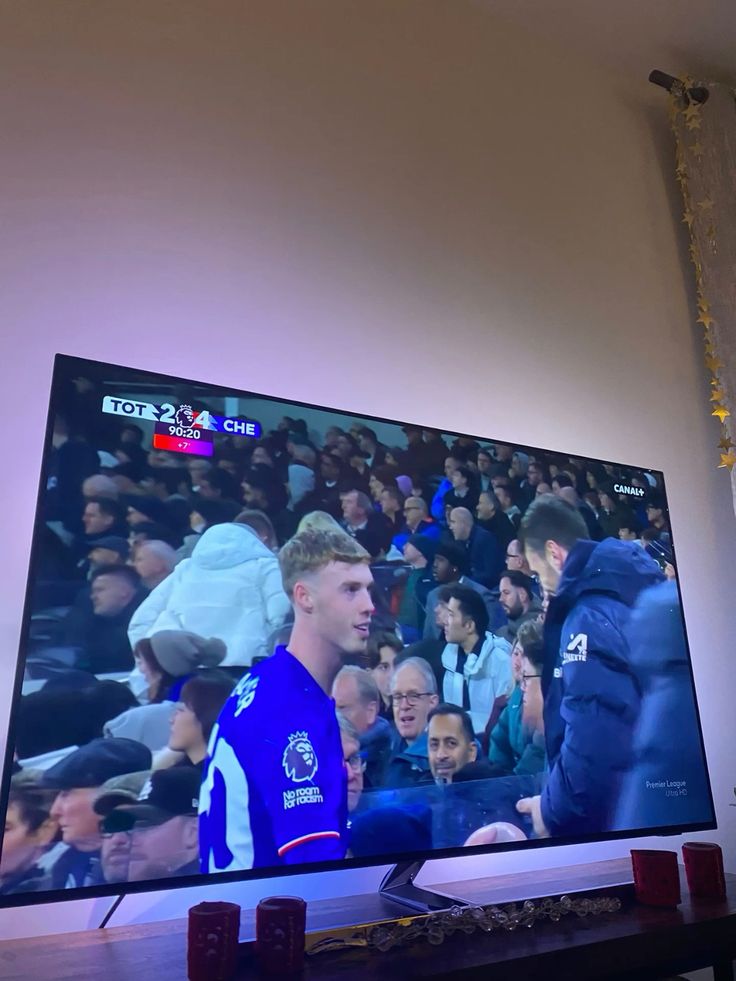
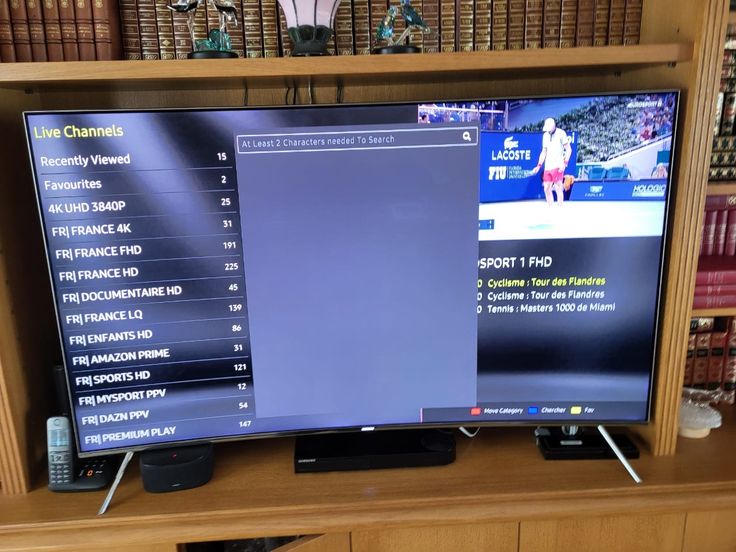
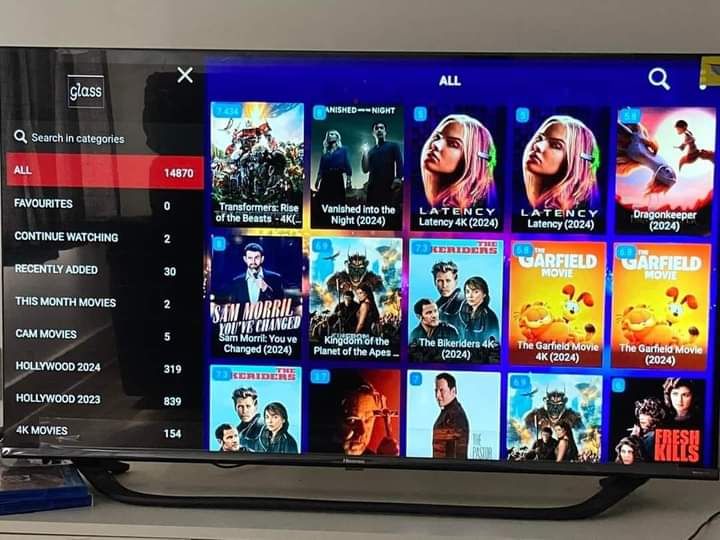
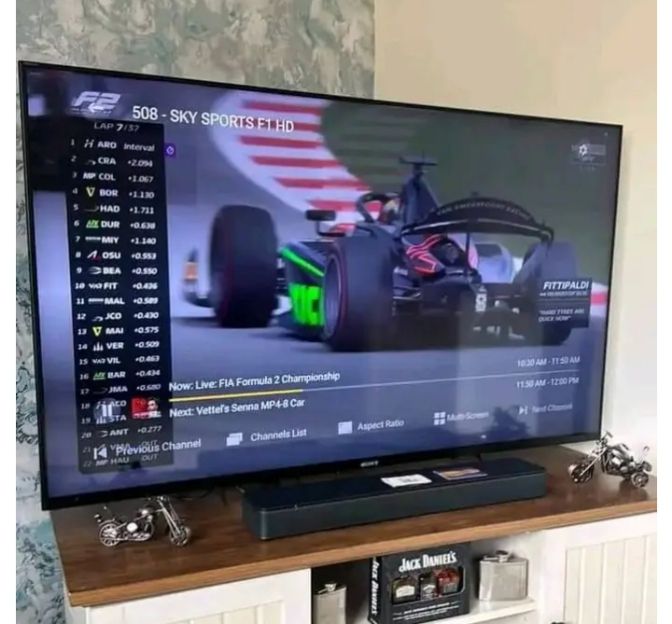
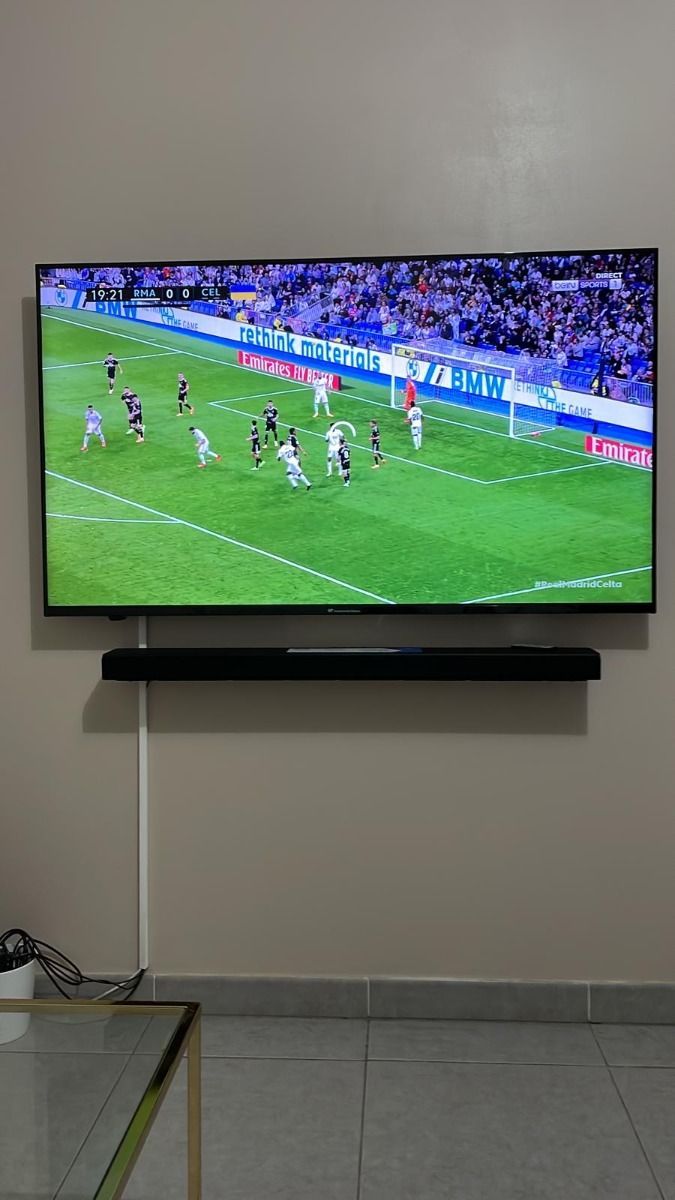
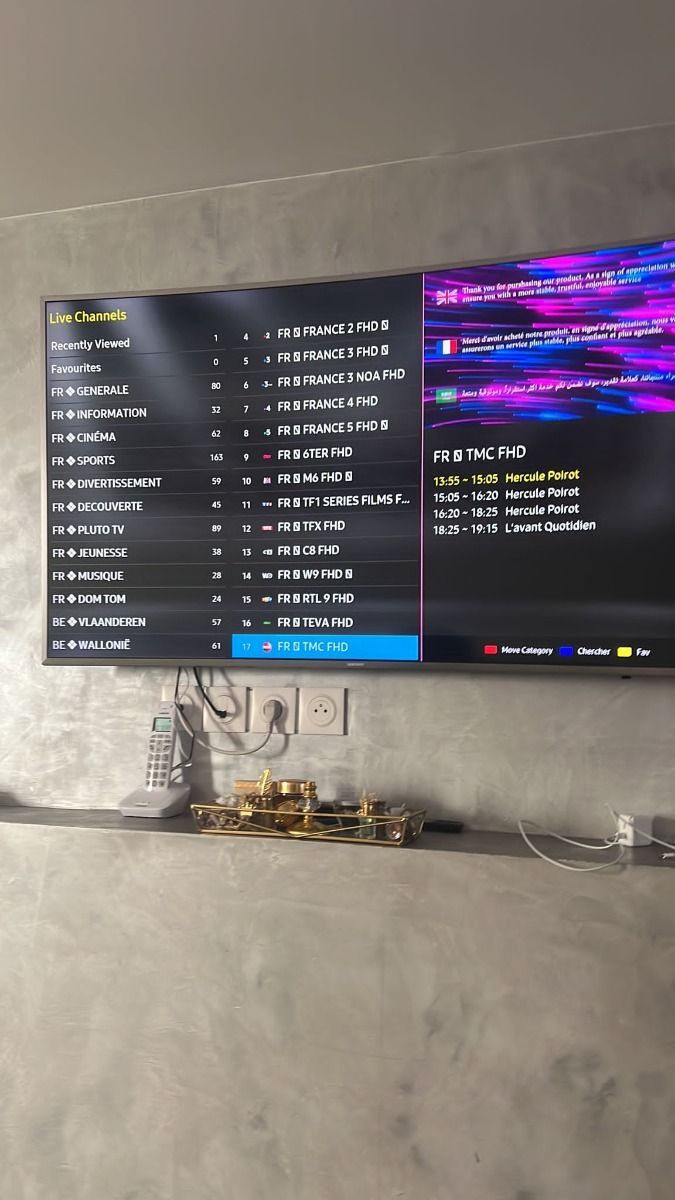
Live sports and on-demand films create different viewing habits. For live events, look up the start time, channel, and any regional coverage details before the event begins. Open the player early enough to check playback and switch to another available quality level if the device or connection struggles. With an on-demand title, confirm that the particular film, episode, language, and subtitle track you want are present. Catalogs and rights can change, so a broad library count should never substitute for checking a specific program. Our channels and VOD guides explain how to browse these categories and what details are useful when asking support about availability.
Use a Player You Understand
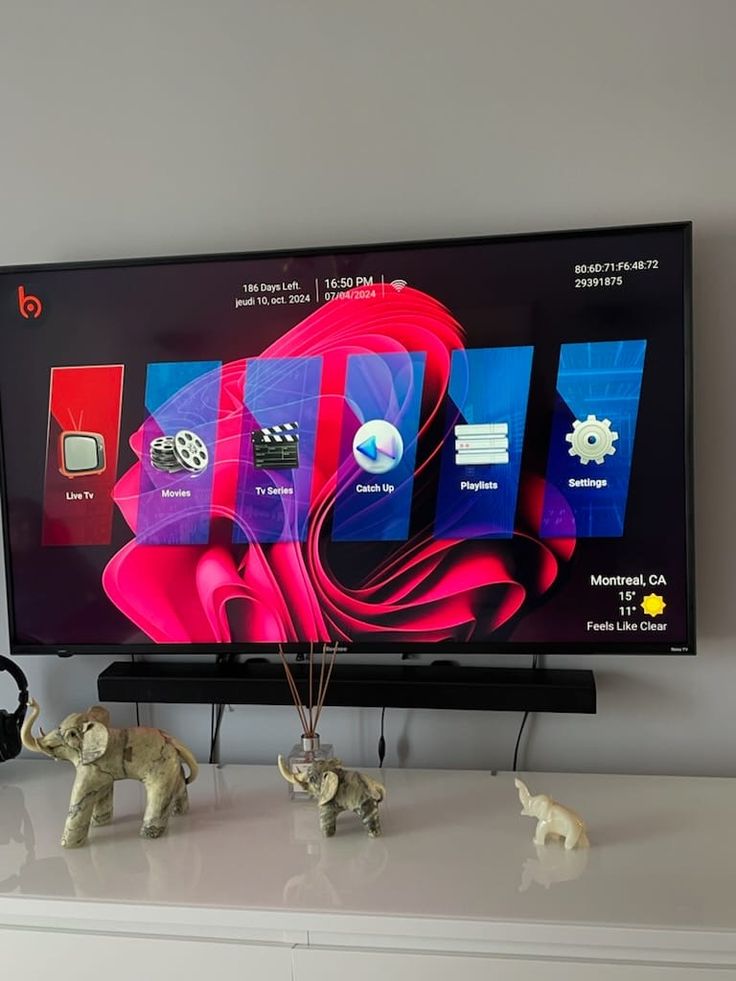
An IPTV subscription and a player application serve different roles. The player presents channels, search, categories, and the program guide; the service supplies the account or playlist details used by that player. Interface labels and installation steps vary across Fire TV, Android TV, Smart TV, iOS, and desktop systems. Before changing several settings at once, make sure the application is supported on your device, install it from an appropriate source, and enter the supplied account details carefully. The installation and app guides include platform-specific steps and common points where a typo or expired app license can interrupt setup.
Compare Duration and Total Cost
Monthly equivalent amounts are helpful for comparing durations, but the checkout total is the amount paid for the selected term. A longer subscription commits more money up front. Review both numbers, then decide whether flexibility or a lower average monthly cost matters more to you. The twelve-month offer includes one additional month according to the current plan terms; shorter terms do not include that bonus. Currency selection changes the displayed fixed price for the selected term and connection count. It does not rely on a live exchange rate at checkout, so check the chosen currency before contacting support to arrange an order.
Know Where to Get Help
If setup fails, write down the device model, player name, exact error, affected channel or title, and approximate time. These details distinguish account, application, and network problems more quickly than a report that playback simply stopped. Try another channel and, if available, another network before resetting the player. Keep account credentials private and share them only through a direct support conversation. The troubleshooting guide offers a step-by-step path for buffering, missing guide data, login errors, and picture problems; the contact page shows the support channels and stated service hours.